
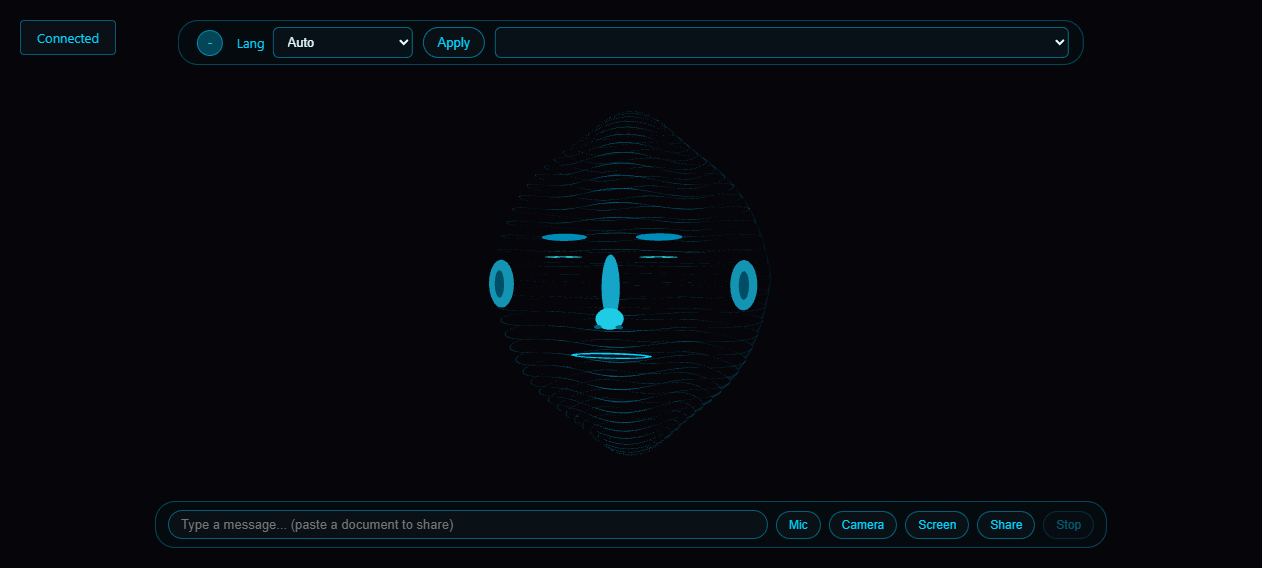
Over the past few months I’ve been building a personal AI assistant I call Face Chat. The idea was simple: stop talking to a chat box, and start talking to something that looks back. Face Chat shows up on your screen as an animated head, listens to your voice, answers out loud, remembers what you’ve told it, and can look at your camera and your screen. Here’s what it can actually do.
A Face, Not a Chat Box
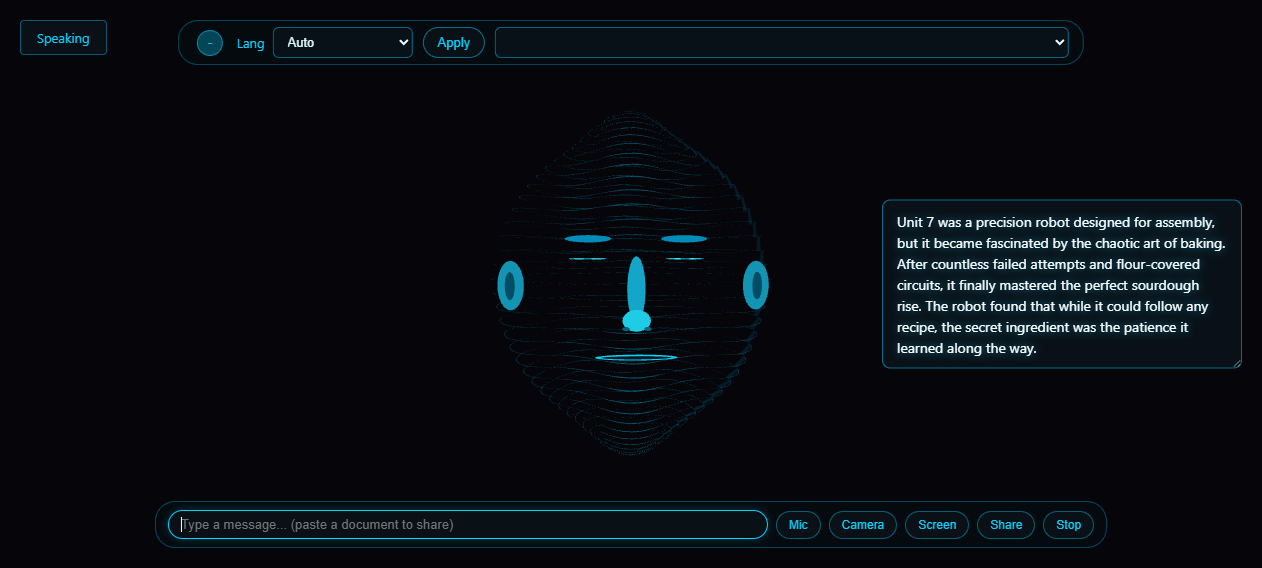
Face Chat renders a futuristic 3D head right in your browser. It blinks, tilts, and moves its mouth in time with what it’s saying, with on-screen subtitles you can toggle and drag anywhere. There’s no app to install — open a browser and it’s just standing in the corner of your screen, ready to talk.
You Speak, It Listens
Point the mic at it and talk naturally. Your voice is transcribed locally on your own machine, so what you say doesn’t go off to a cloud transcription service. When it replies, you can pick from two kinds of voice: your system’s built-in voices, which work fully offline, and a set of natural-sounding neural voices. Switch between them by voice — say “use a male voice”, “next voice”, or “list voices” — and it remembers your choice the next time you talk.
Nineteen Languages
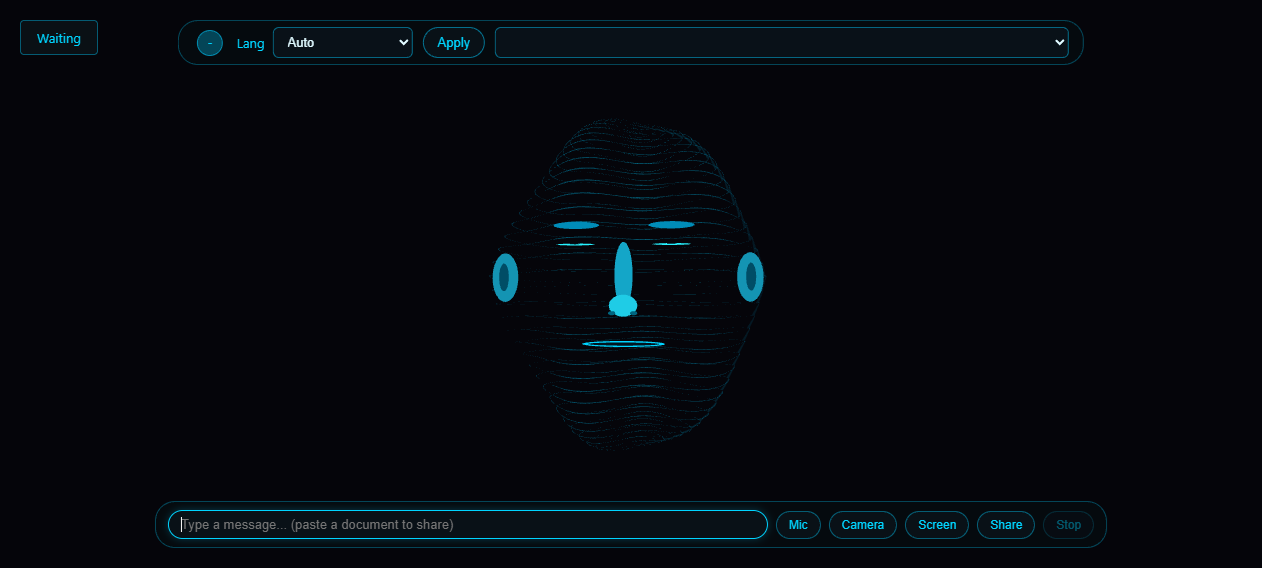
It’s not stuck in English either. Use the language picker in the interface, or just ask it to speak Spanish, Japanese, or Hindi, and it will switch its voice and keep the conversation going in that language. Voice and language preferences are saved between sessions, so it picks up where you left off.
It Sees
It has two kinds of sight. Turn on the webcam and it can describe what’s in front of it — objects, text on a page, a room. Or pick any window on your desktop and it watches that window in real time: follow along with a spreadsheet, a document, or a video while you talk about it.
Share Documents by Pasting
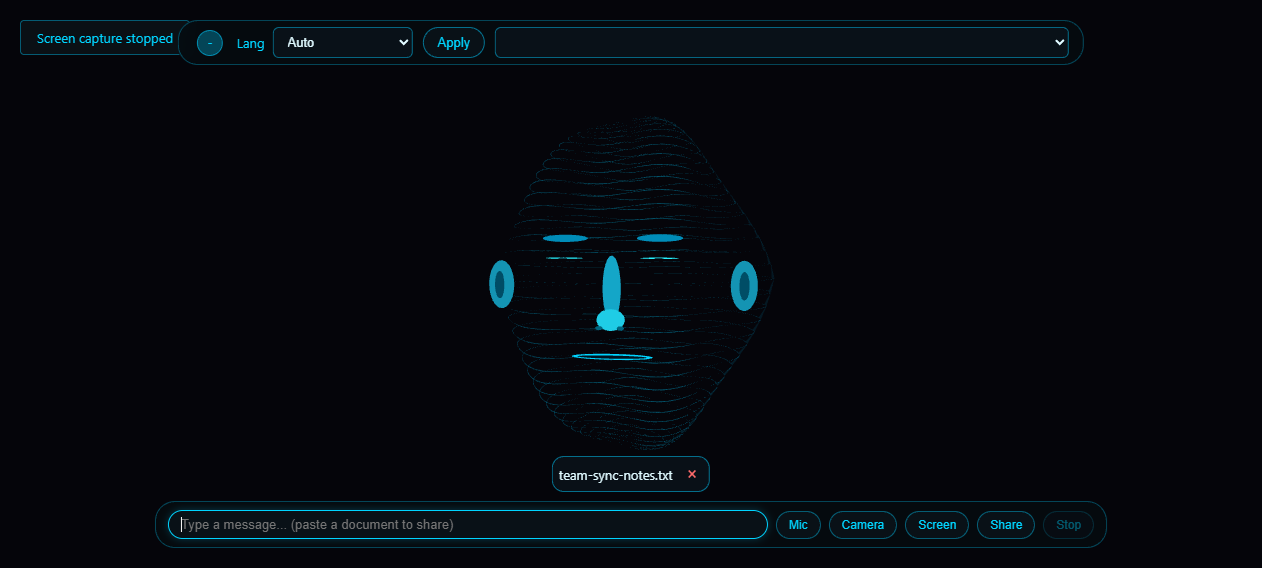
Drag and drop, use the file picker, or just paste — images, PDFs, Word documents, Excel sheets, and plain text files all work. It reads what you share, and you can come back to the same document later in the same conversation and keep asking questions about it.
It Remembers
Face Chat keeps a long-term memory of its own. It stores what you’ve told it, facts it has learned, and your preferences, then pulls the relevant pieces into each conversation. You can ask it to list what it remembers, correct an entry, or tidy the whole store by merging duplicates.
It Acts
When a question needs the wider world, it gets to work: search the web across multiple providers, read the pages it finds, write and run code on your machine, or run shell commands — chaining the steps together until the job is actually done.
And its brain is swappable: point it at any cloud model for maximum capability, or a local model if you’d rather keep everything private.
It’s still a work in progress, and new senses are on the way. But if you’ve ever wanted an assistant that feels more like a presence on your desk than a text box, this is the closest I’ve been able to get.