
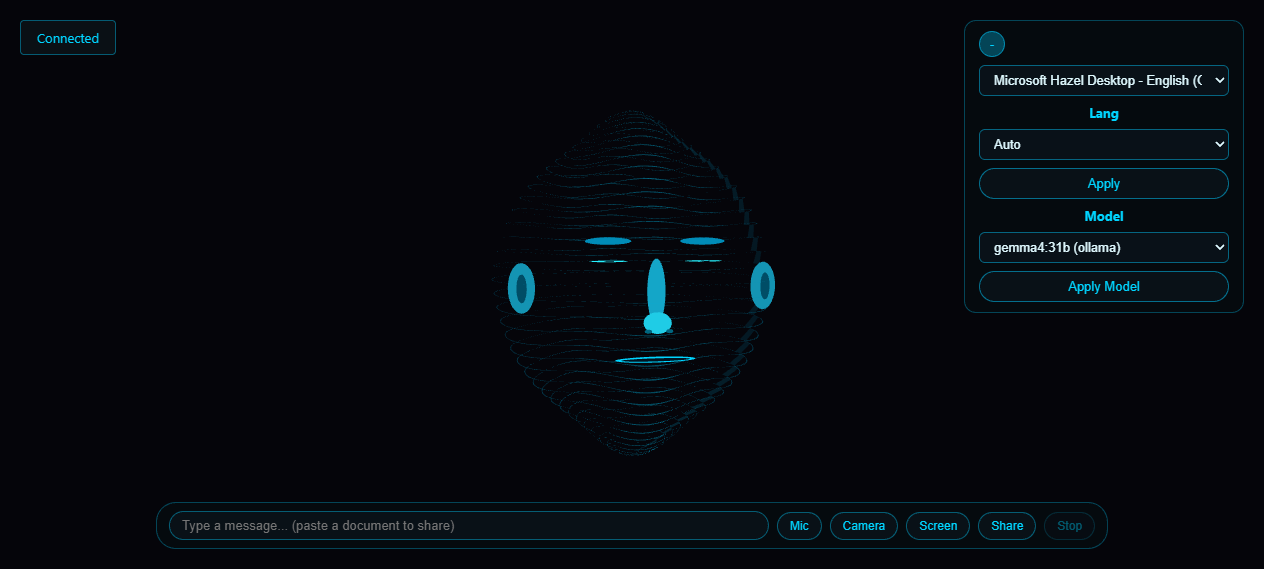
Since the last post, Face Chat has grown in a few directions that matter more than the new words in a changelog. The short version: it can now hand work off to specialists that keep going while you talk, it holds a hands-free conversation back and forth without you pressing anything, and it can actually go onto the web and click around on its own.
A Team Working in the Background
Until now, when you asked it for something that took a while, you waited with it. Not anymore. It can split the job across little specialists: a research question goes to a researcher, a chunk of code to a coder, a tidy-up of what it remembers to a librarian, and the day-to-day bits to a general helper. These specialists run out of sight, each with only the tools its job needs, while the head in front of you keeps talking to you as normal.
A small indicator shows what is running and how many jobs are queued, and you can cancel one mid-flight. It only runs a few at a time, so they never pile up, and none of the specialists can start their own – only the top assistant assigns work.
A Conversation That Flows
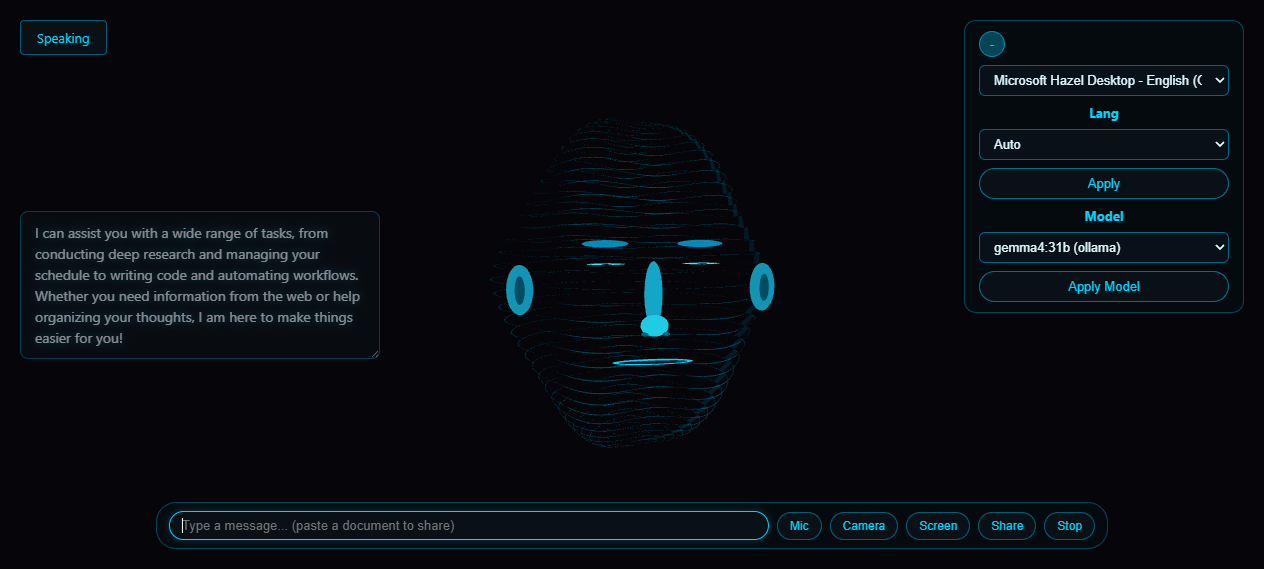
You can now just talk to it, the way you would talk to someone on a phone call. Hold V (or tap the mic) and it listens, answers, and then waits for your next sentence – no button press between turns. If it is mid-sentence, you can cut in and it stops talking and listens straight away. Drift away for about twenty seconds and it quietly closes the microphone, so it is not sitting there hearing an empty room. The back-and-forth keeps going until you end it.
A Pair of Hands on the Web
This is the newest thing, and the one I am most excited about. It can now open a real browser and use it the way you would: open a page, read what is on it, type into a box, pick from a dropdown, press a button. The browser window shows up on your desktop and, at the same time, mirrors every step into a little floating panel inside the app, so you get to watch it work rather than just trust that it did. Point it at a form to fill, a page to check, or a report to pull, and it walks through it in front of your eyes.
Sharper Eyes
Two quieter refinements came along with it. When the camera or the screen view is switched off, it genuinely stops sending frames – closed eyes stay closed, and nothing it cannot see reaches its thinking. And if you ask it to look at a window that is minimized, it restores the window first so it actually sees something instead of a blank.
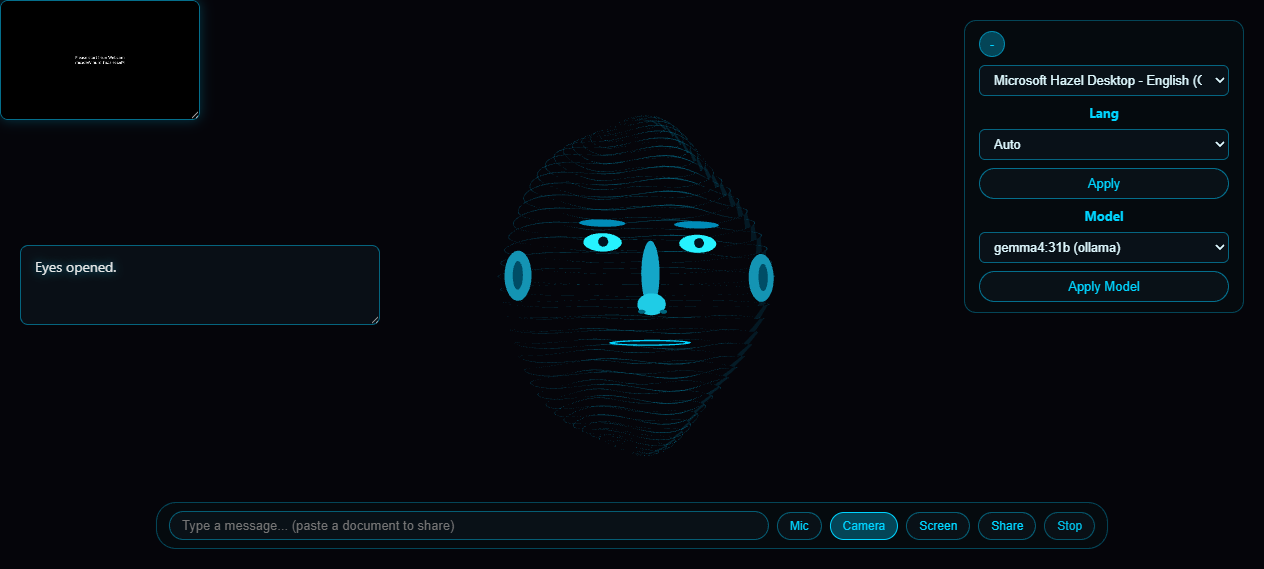
None of this changes the first impression. It still looks back at you, listens, and answers out loud. It just has a bit more going on behind the head now: a team, a flow, and a set of hands on the web.